Meta Ads Not Converting? 7 Fixes to Make Before You Raise the Budget
Clicks but no sales? Before you spend more, check the 7 things between the click and the checkout. Most Meta ads that don't convert have a fixable leak.
Meta ads not converting? You paid for the click, the person landed on your site, and then nothing happened.
The first instinct is to blame the ad or raise the budget. Most of the time the problem sits somewhere between the click and the checkout. Spending more just sends more people into the same leak.
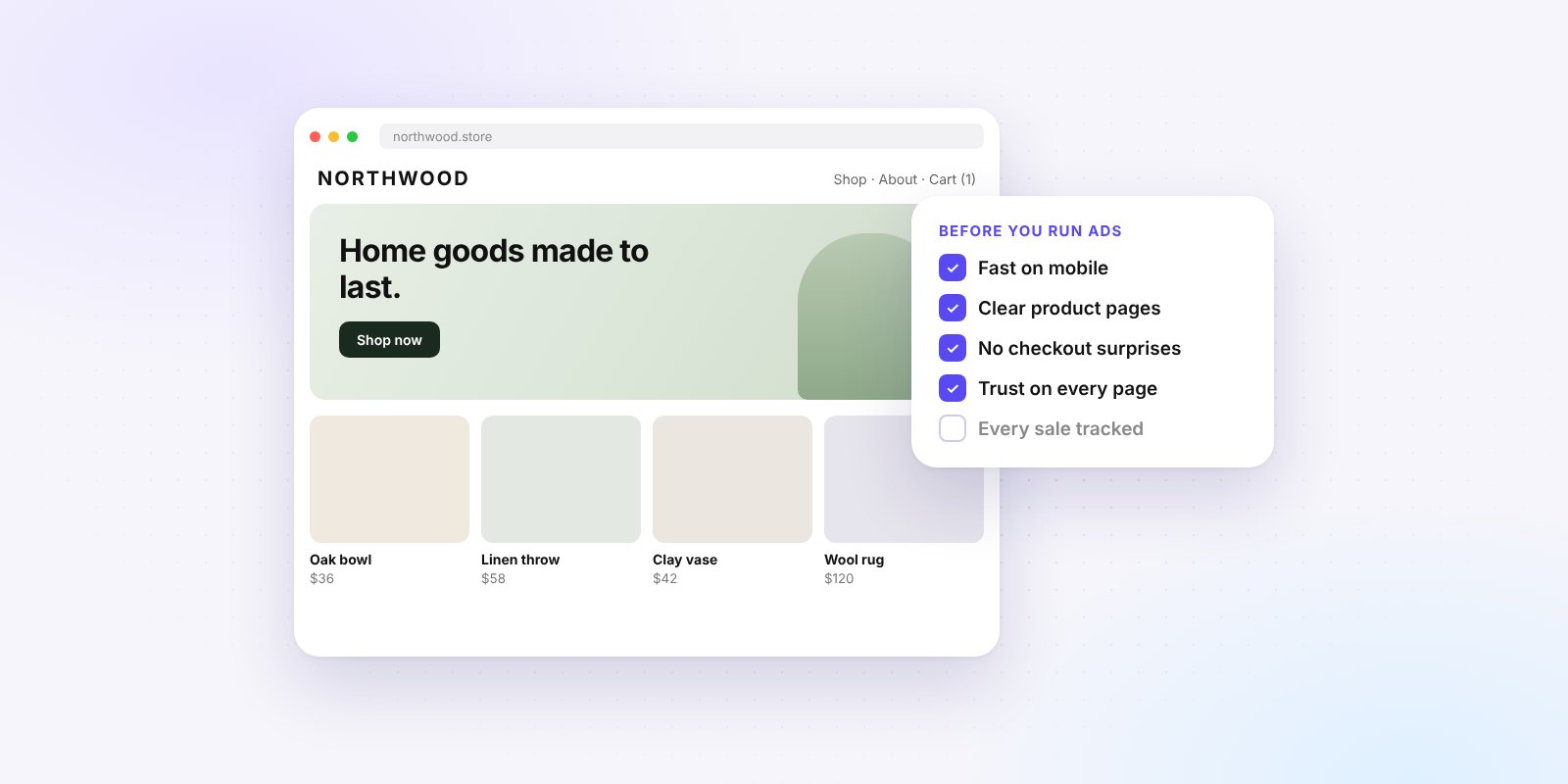
Here are the 7 places to check first. You can go through most of them in an afternoon.
1. Send the click to the thing they just saw
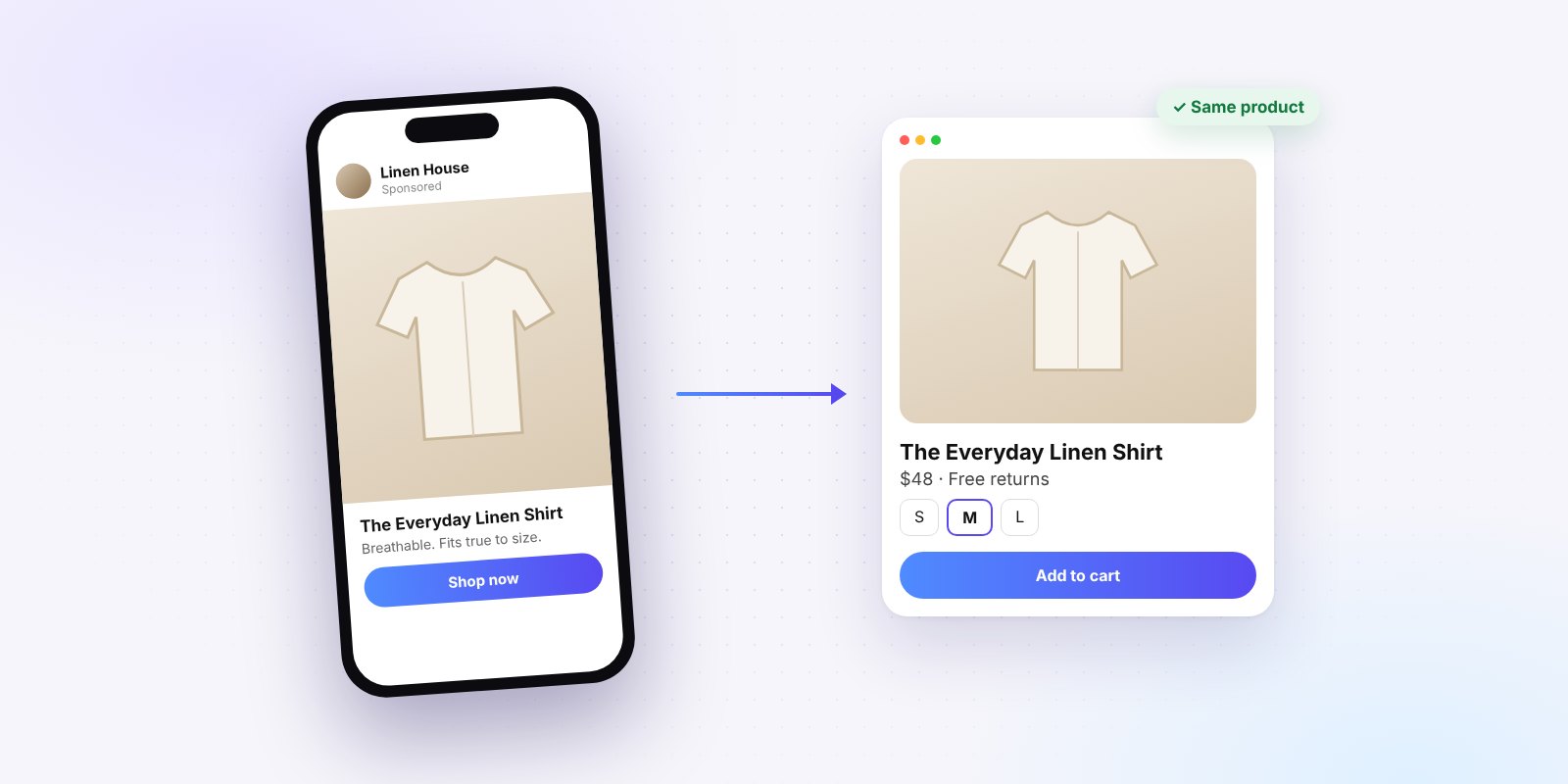
Someone taps an ad for a linen shirt. They land on your homepage, see a banner for a summer sale and a grid of 40 products. The shirt is gone. So is their interest.
Every ad should land on the page that continues its story: the product in the ad, or a collection that only shows what the ad promised. Same photo, same name, same price.
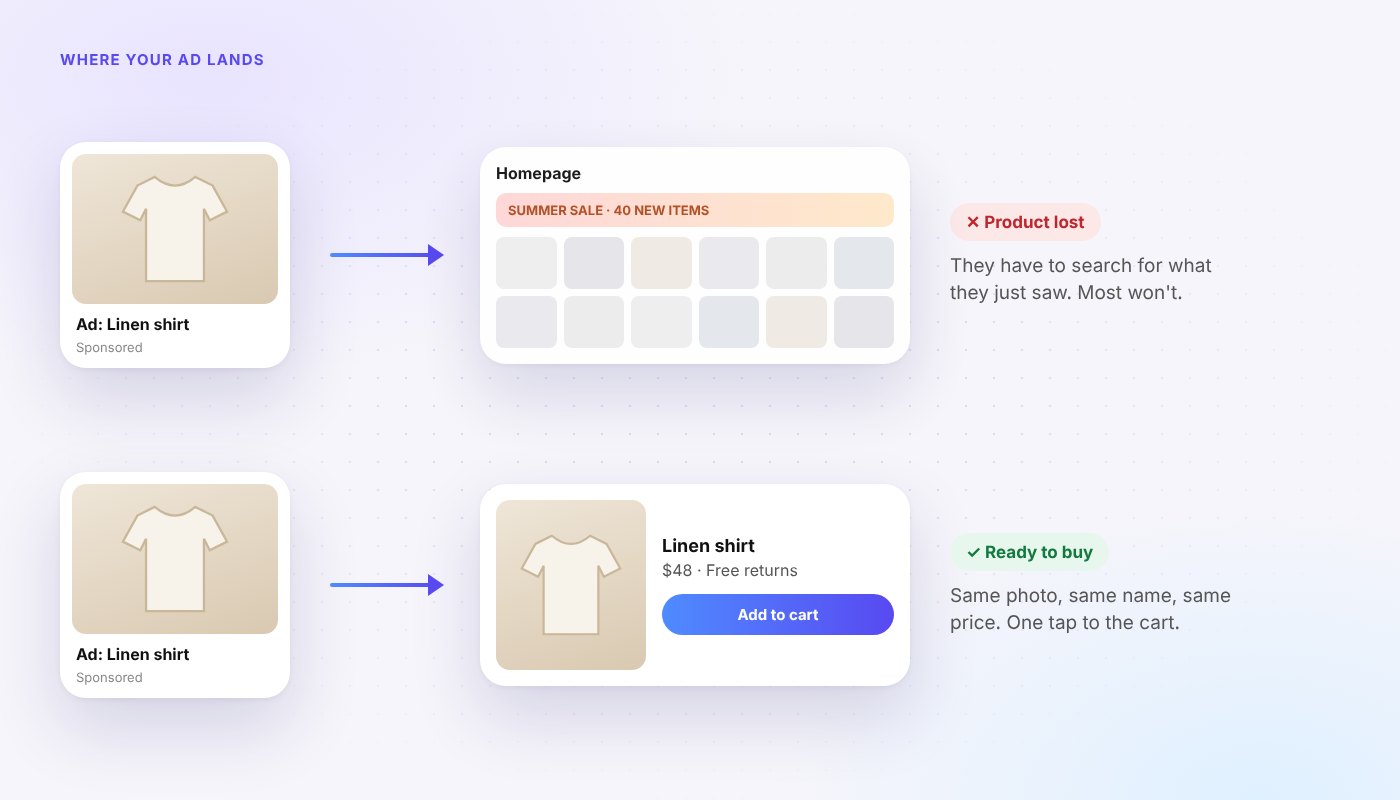
Open your three biggest ads right now and tap through on your phone. If you have to search for the product, so does every customer.
2. Make the page load fast on a phone
Most Meta traffic comes from people scrolling on their phones, often on mobile data. A slow page loses them before they see the product. Google's research on mobile speed found that 53% of mobile site visits are abandoned if a page takes longer than 3 seconds to load.
Quick wins:
- Compress large images before you upload them.
- Remove apps and scripts you no longer use.
- Test the exact page your ad sends people to, on your own phone, away from Wi-Fi.
3. Check your tracking: Meta Pixel plus Conversions API
If Meta can't see your sales, it can't find more people like your buyers. It optimises for whatever signal it does get, which is often the wrong one.
Meta recommends using the Conversions API in addition to the Meta Pixel, sending the same events from both. The Pixel works in the browser. The Conversions API sends events from your server, so it can catch sales the Pixel misses because of network errors or pages that didn't fully load.
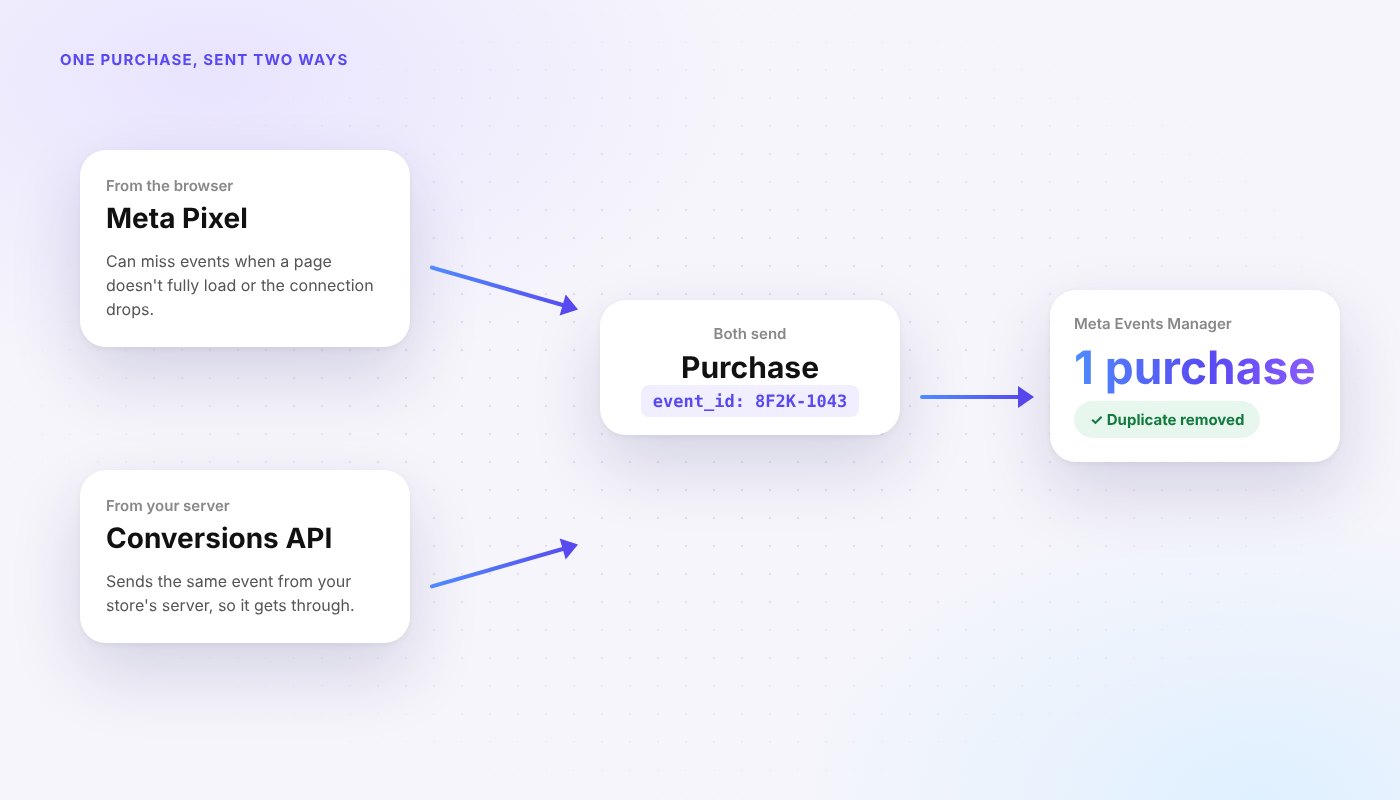
Two things to check in Events Manager:
- Purchase events are arriving. Place a test order and watch it come in.
- Events are not counted twice. Both sends should share the same event name and an event ID, so Meta can remove the duplicate.
On Shopify, the Facebook & Instagram app by Meta can set up both for you.
4. Optimise for the result you actually want
A campaign set to get link clicks will find people who click. A campaign set to get purchases will look for people who buy. They are not the same people.
If you sell online and your purchase tracking works, optimise for purchases. If you don't have enough sales yet for Meta to learn from, optimise for the closest step to a sale, like add to cart or a lead form, and move up as the numbers grow.
5. Give each ad one clear promise
Ads that try to say everything say nothing. Pick one reason to buy per ad: the fit, the ingredient, the price, the problem it solves. Show it in the first second, because that's all most people give you.
Then make sure the landing page repeats that same promise near the top. If the ad says "fits true to size, free returns", the page should say it too.
Test two or three ads with different promises at the same time, each with its own landing page that matches. After a week you'll know which reason to buy your customers care about, and every future ad gets easier to write.
6. Remove the surprise at checkout
People often decide to leave at the last step. In Baymard Institute's checkout research, 40% of shoppers who abandoned a cart said extra costs like shipping, tax or fees were too high.
Show shipping costs and delivery times on the product page, before the checkout. A small, known cost beats a surprise.
7. Answer every message fast
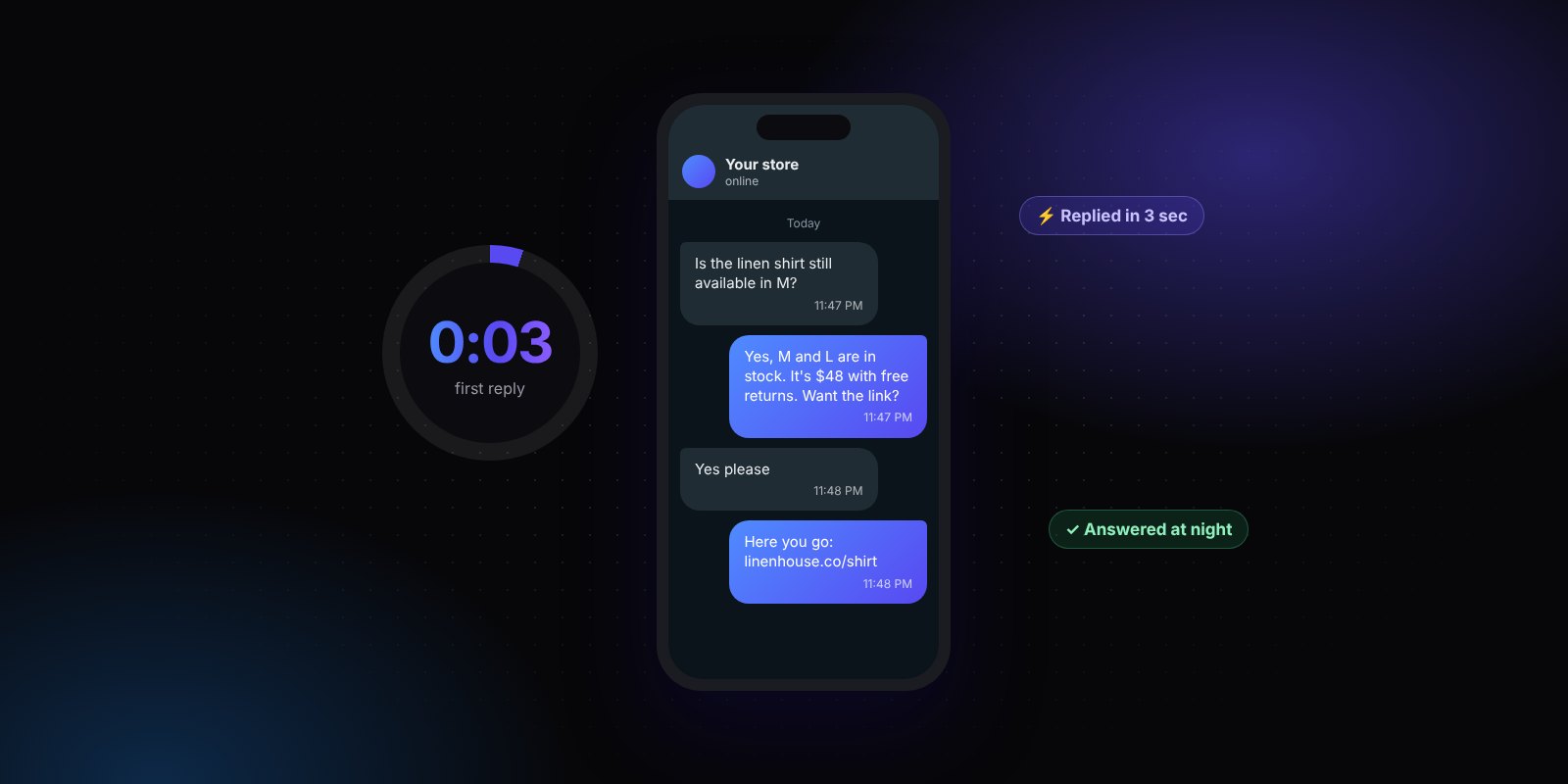
Not every buyer checks out on the first visit. Many send a DM or a WhatsApp message first: "Is this in stock?", "Do you ship to Canada?". If that question waits until tomorrow, the sale often goes to someone who replied tonight.
Research on online leads shows the first few minutes matter a lot. We broke it down in Speed to Lead: Why the First Reply Wins the Sale.
A 15-minute check for Meta ads not converting
- Tap through your top 3 ads on your phone. Do they land on the right product?
- Time how long that page takes to load on mobile data.
- Open Events Manager. Are purchases arriving, and only once each?
- Check what each campaign is optimised for.
- Read the first line of each ad and the top of its landing page. Same promise?
- Add a product to the cart. Is the shipping cost a surprise?
- Send your own business a message at night. How long until someone replies?
When to raise the budget
Raise the budget when the leaks are fixed and one ad set is selling steadily at a cost you are happy with. Increase it gradually and watch the cost per purchase for a few days before the next step.
If you want a second pair of eyes, book a free 30-minute call. We'll open your ad account with you and show you where the money is leaking.